
Front-end development · HTML, CSS, JavaScript · 2025
From paper sketch to live page
Three small web apps I designed and coded from scratch, each sketched, wireframed and then built.
What changes when a sketch has to work in a browser?
- Role
- Design and front-end development
- Timeline
- Jan–May 2025
- Team
- Solo
- Tools
- HTML, CSS, JavaScript, htmx, GitHub Pages
in short
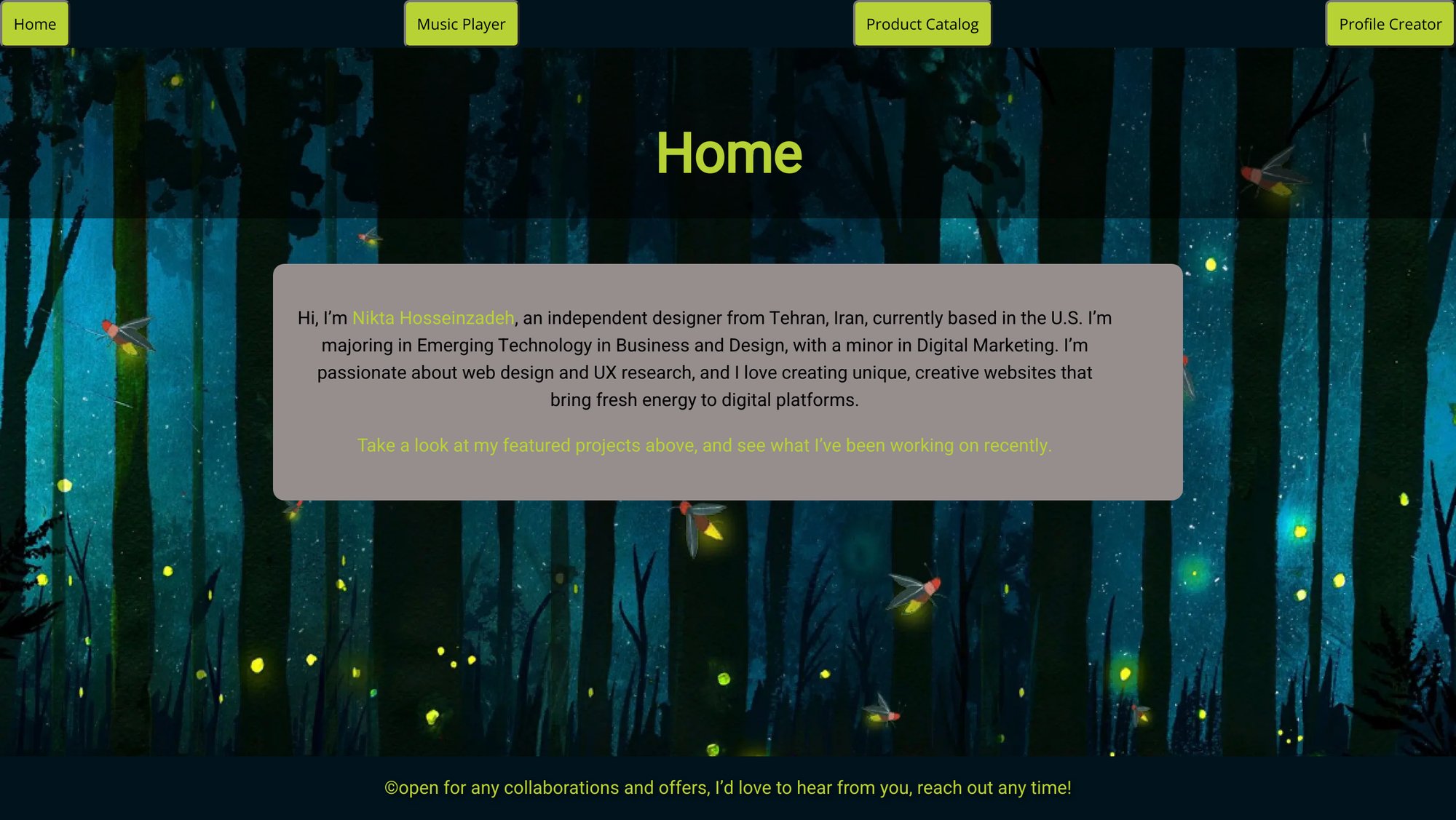
Every build followed the same routine: sketch two options, annotate a wireframe with fonts and colors, then build it. I made a music player, a gift-shop catalog and a reptile profile creator, then combined them into a single-page gallery with htmx. These were set briefs, without user research or testing. Each live page documents its own sketch and wireframe next to the build.
Music player
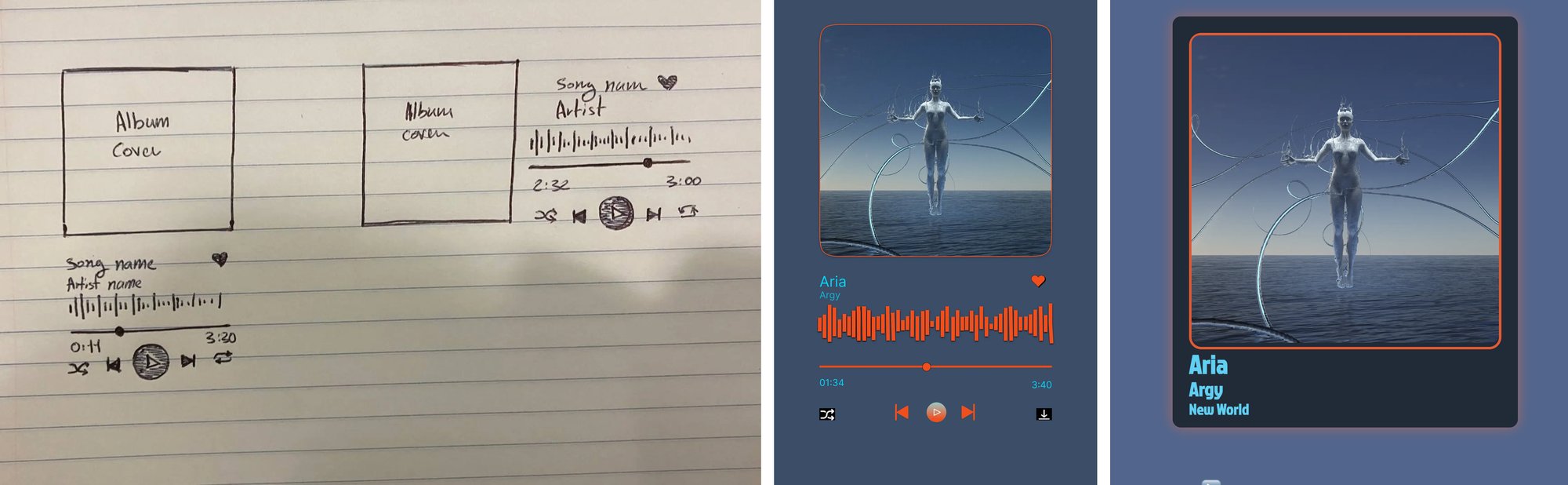
My two sketches had the same elements, one vertical and one horizontal. The wireframe took its mood from the song, “capturing its ethereal, ambient vibe through minimalist elements, smooth transitions, and muted colors.” The build kept the essentials: play and pause, a seek slider, a time readout and a waveform that fills as the song plays.
Gift-shop catalog
In my second sketch I tried circular product cards and a circular modal to make the layout feel more playful. In the wireframe and build I went back to rectangles, and moved each product’s name and price under its image “to create a cleaner, more organized look.”

Reptile profile creator
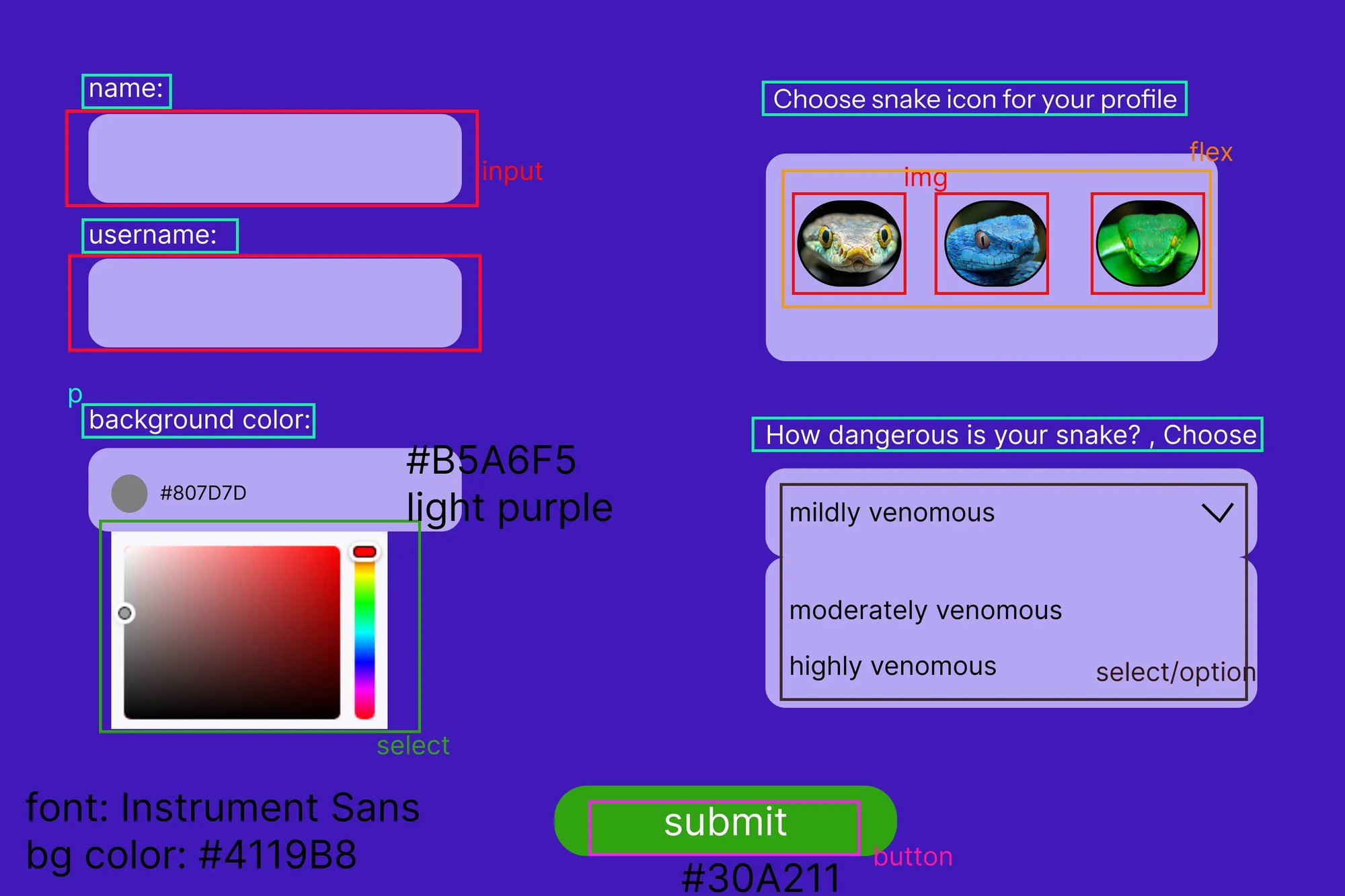
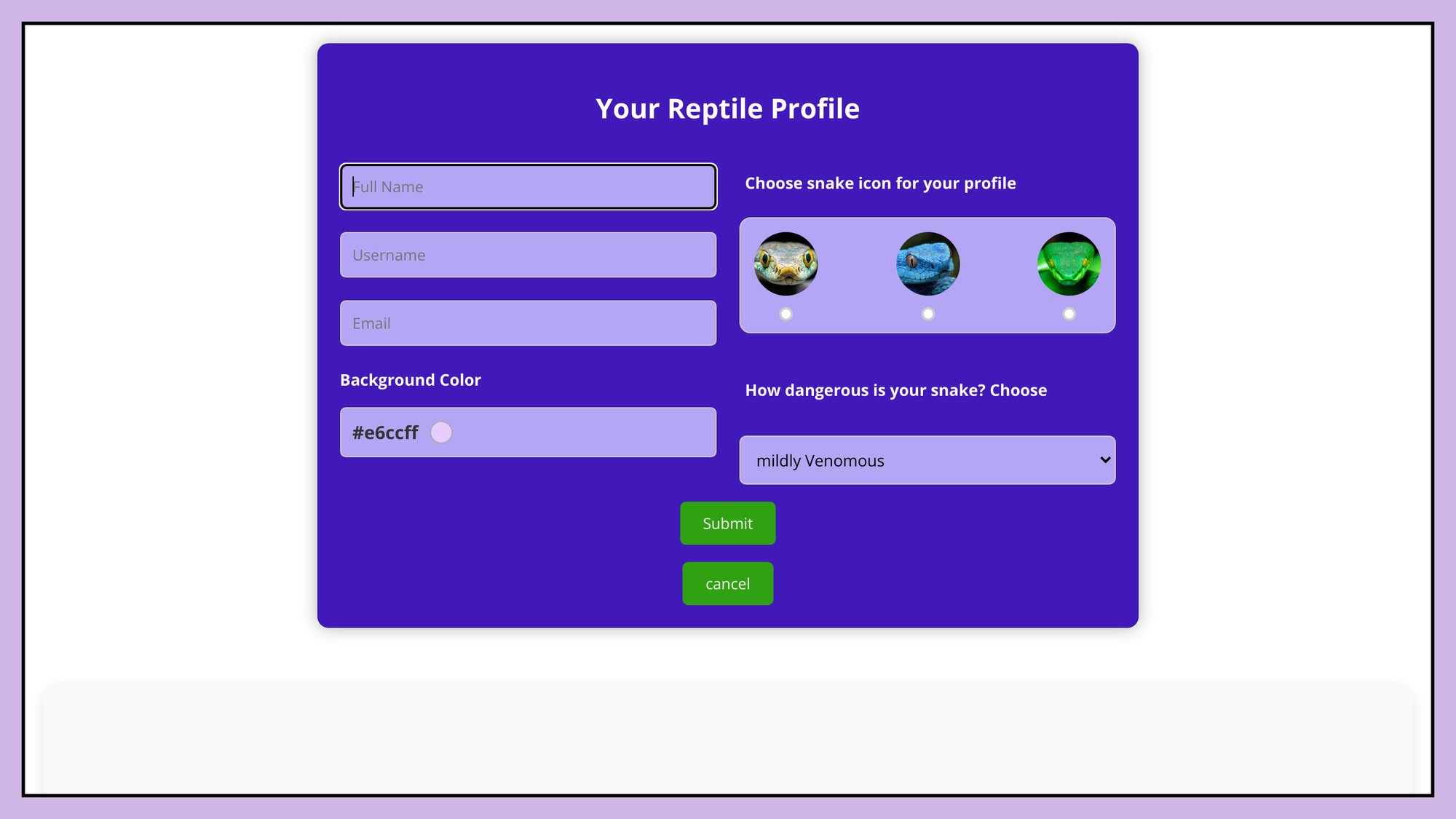
Peers picked my first sketch for its clear layout. Building it, the hard part was making icon selection obvious, which I fixed by adding small circles under the snake icons. I also added placeholders, a title, a cancel button and an email field. In the wireframe I wasn’t sure I could build the background color picker. The final has one that works.
Putting it together
The last piece was a gallery that loads all three without page reloads, built with htmx, with a short bio I wrote on the home page (shown at the top of this page).